1. How the 14-Day Closed Testing Rule Works
Google’s goal is simple: eliminate spam, low-effort clones, and non-functional apps from the Play Store by forcing individual creators to gather genuine pre-launch user feedback.
Here are the strict operational rules Google enforces:
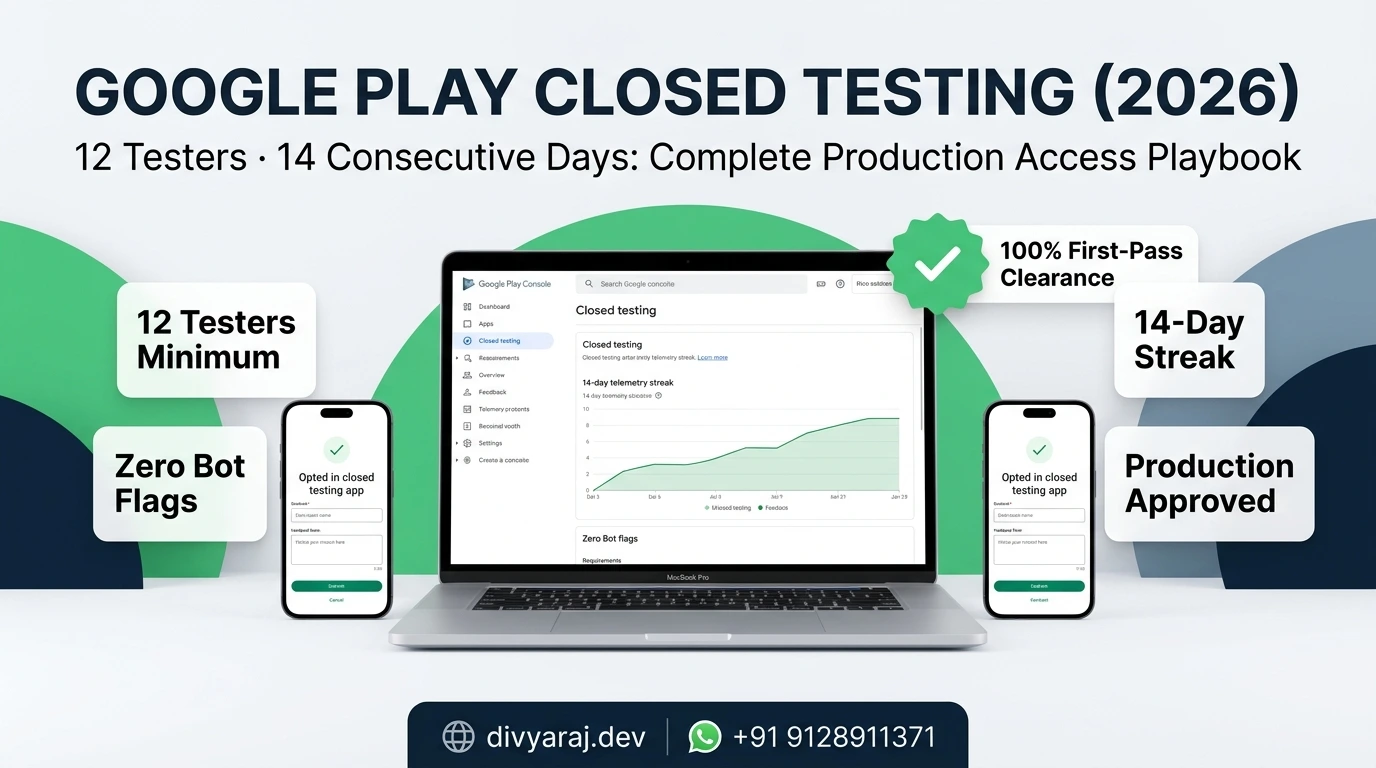
- The 12-Tester Minimum: Exactly 12 or more users must accept your closed testing invitation and opt in via the Google Play testing link.
- Continuous 14 Days: The 14-day timer starts only when the 12th tester accepts the invite. If one tester leaves or uninstalls and drops your count to 11 on Day 10, your clock pauses or resets.
- Target SDK Compliance: Your App Bundle (.aab) must target the latest Android API level (Android 14/15, API 34+), have complete 64-bit architecture support, and carry a cryptographically signed upload key.
2. Step-by-Step Play Console Configuration
Setting up closed testing incorrectly will cause testers to see errors like "App not available for this account". Follow this exact workflow:
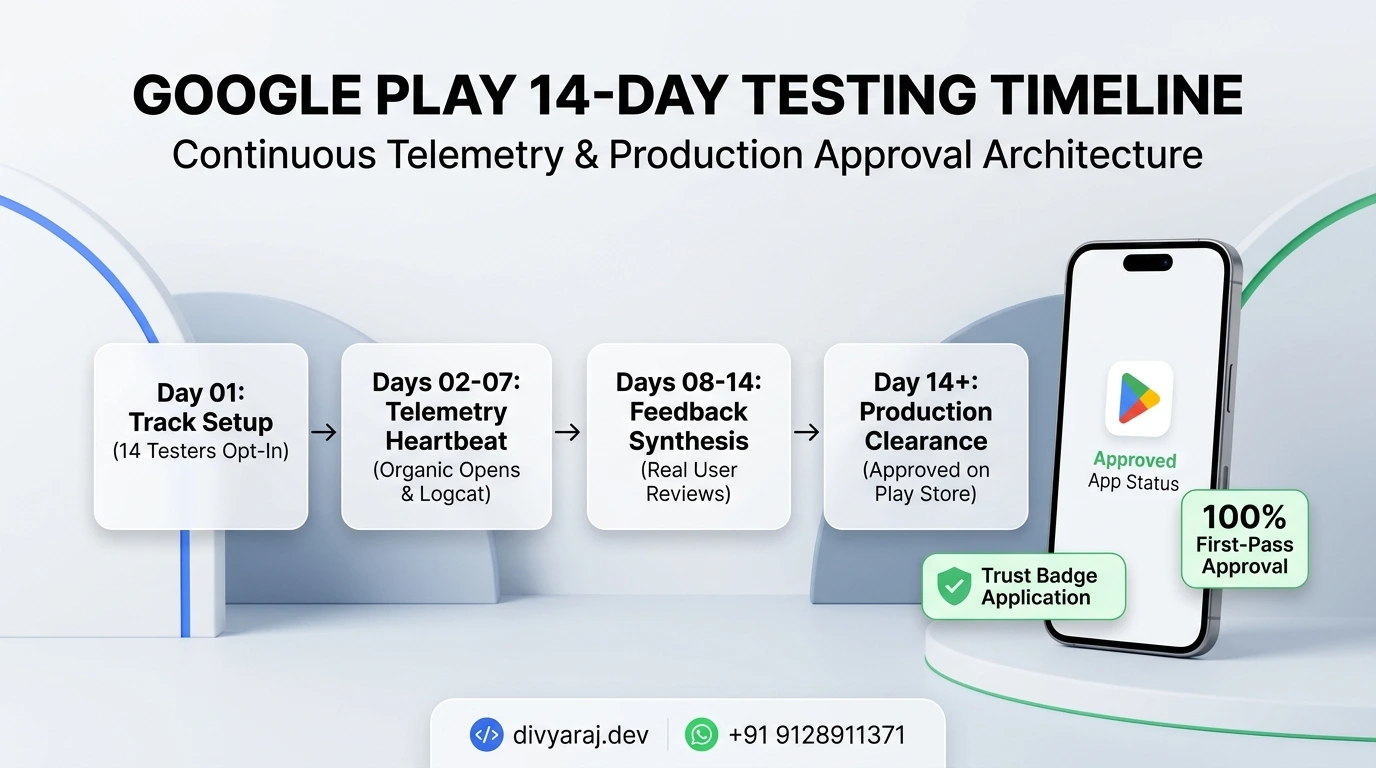
Instead of manually typing 12 individual email addresses in the Play Console, create a free Google Group (e.g., my-app-testers@googlegroups.com). Add all tester emails to this group. In Play Console under Testing > Closed testing > Manage track > Testers, select Google Groups and paste your group email. This allows you to add backup testers at any time without re-submitting the track for review.
In Flutter, generate a release bundle: flutter build appbundle --release. Upload it to your Closed Testing track. Complete the store listing, content rating, and privacy policy declaration. Google takes 2 to 4 business days to review and approve the initial closed testing release.
Once the release status turns green (Active), scroll down to "How testers join your test". You will see two URLs:
- Join on Android: A direct Play Store intent link (use this on physical devices).
- Join on Web: A browser link where testers must click "Become a tester".
Mandatory Action: Every tester must open the Web link first, click "Become a tester", and then download the APK to their device. Simply sending an APK file over WhatsApp does not count towards Google's metric.
3. Recruiting 12 Testers Without Risking Account Bans
Be extremely cautious of third-party "tester farms" offering 12 or 20 testers for $10 on Fiverr. Google's automated abuse detection detects synthetic activity (devices that install 50 apps simultaneously, never produce telemetry, and share suspicious IP subnets).
| Method | Approval Reliability | Risk Level |
|---|---|---|
| Personal Network (Friends, Family, Colleagues) | 99% Approval | Zero Risk |
| Reciprocal Dev Communities (Reddit r/AndroidDev, IndieHackers) | 90% Approval | Low Risk |
| Paid Automated Tester Farms | High Rejection Rate | Severe (Account Termination) |
4. Answering the 4 Production Access Questions
When your 14 consecutive days expire, an "Apply for production" button unlocks on your Play Console dashboard. Google presents four structured essay questions. A real human reviewer evaluates your answers.
Question 1: How did you recruit testers for your closed test?
What Google wants to hear: A clear explanation of your target audience and acquisition method.
Effective Answer Blueprint: "Testers were recruited from our target user demographic (e.g., local fitness enthusiasts / students preparing for exams) via direct outreach and private community invitations. We selected 15 trusted devices spanning diverse Android versions (Android 11 to 15) to ensure wide hardware compatibility."
Question 2: What feedback did you receive from testers?
What Google wants to hear: Proof that users actually used the app and provided substantive critiques.
Effective Answer Blueprint: Avoid generic statements like "Testers loved the app." Instead, state specific usability feedback: "Testers pointed out that the font size on smaller 5.5-inch screens was hard to read in dark mode, and one user reported that the offline test submission took 3 seconds to confirm without a progress spinner."
Question 3: What changes did you make based on tester feedback?
What Google wants to hear: Proof of iterative software development.
Effective Answer Blueprint: Reference specific release build numbers: "In update v1.0.2 (Build 4), we refactored the UI typography to scale dynamically with system settings, optimized our SQLite local cache queries, and added an animated checkmark indicator for offline sync confirmation."
Question 4: How do you know your app is ready for production?
What Google wants to hear: Production stability metrics.
Effective Answer Blueprint: "Across the 14-day testing period, our Android Vitals crash rate remained at 0.0%, and our ANR (Application Not Responding) rate was zero. All core user journeys—including authentication, local data persistence, and notifications—were validated across multiple hardware manufacturers (Samsung, Xiaomi, OnePlus)."
5. Common Rejections & Troubleshooting
"Item not found / App not available in your country"
Go to Closed testing > Manage track > Countries / regions. Ensure all countries where your testers live are checked. By default, new tracks may only be enabled in a single country.
The 14-Day Progress Bar is Stuck
The Play Console dashboard updates with a 24 to 48-hour delay. As long as your Google Group confirms 12+ opted-in devices, the backend counter is running accurately even if the visual UI lags.
6. Frequently Asked Questions
Do testers need to open the app every single day?
They do not need to use it 24/7, but they must keep it installed and engage with it periodically. Google checks for active sessions. If an account opts in and immediately uninstalls, it will not count toward production approval.
Does pushing an update reset the 14-day clock?
No. Pushing bug fixes or UI updates to the closed testing track does not reset your streak, as long as the tester pool remains at or above 12 users.
What if my application for production access is rejected?
Google will provide specific feedback (usually citing insufficient tester engagement or unaddressed bugs). You can continue testing with your group for another 14 days, push updates addressing their notes, and re-apply.